Kindle KOReader home screen with AI translation and Q&A
A KOReader plugin gives a Kindle a phone-style home screen, and lets an LLM translate or explain highlighted text.
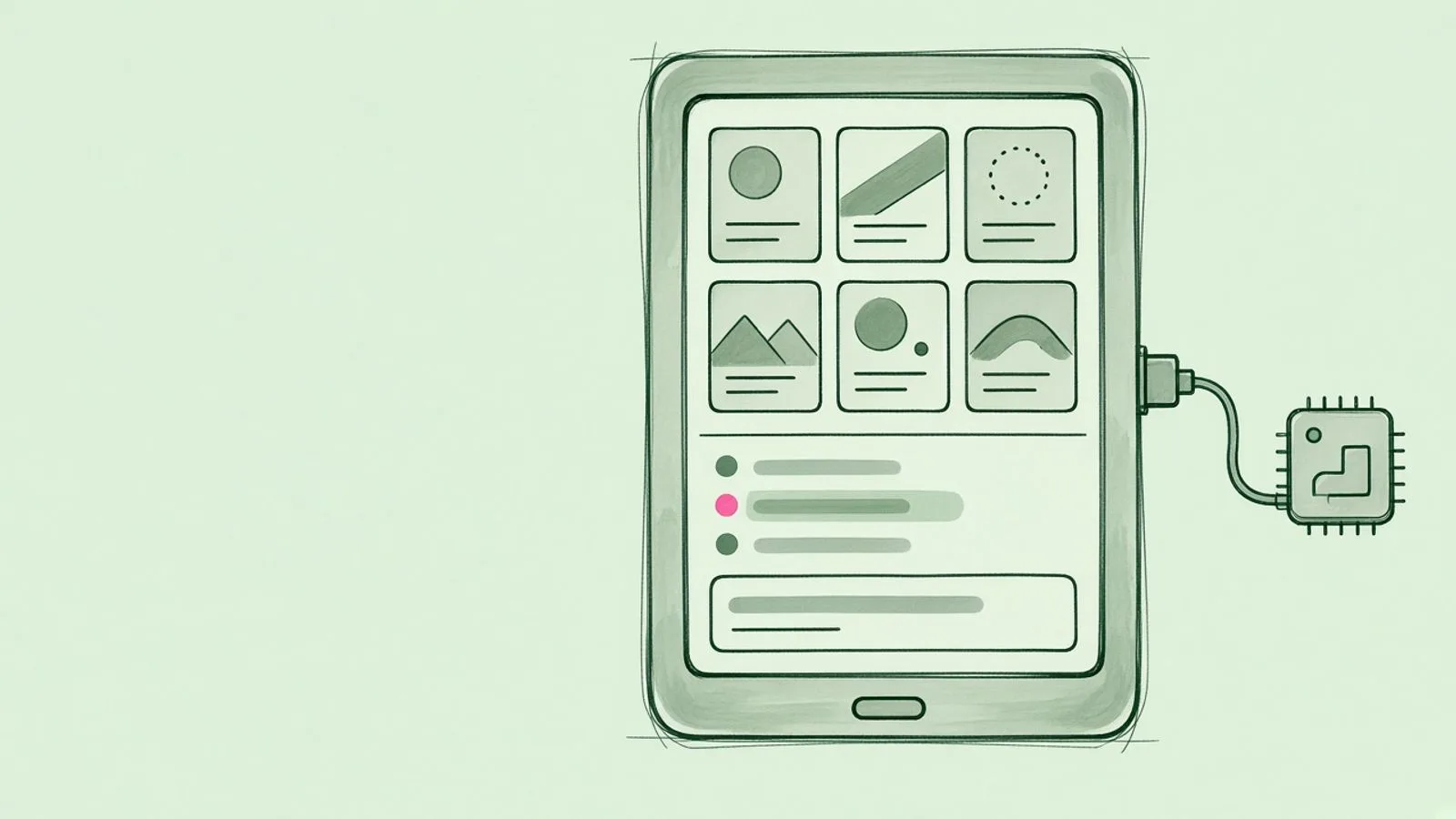
A Kindle running KOReader can now have a phone-style home screen, with the newest books first and a news reader alongside. Highlight a word or passage and an LLM will translate it, explain it or answer questions about the page. It’s a customised fork of Doctor Hetfield’s SimpleUI plugin, and the AI part is optional.
You set the AI up by scanning a QR code on the Kindle with your phone, then entering the API key and model there, so there’s no typing on e-ink. DeepSeek is the default. Kimi, Qwen, OpenRouter and other services work too, as does any OpenAI-compatible endpoint, including Ollama or LM Studio on your own network. The builder couldn’t reach OpenAI, Anthropic or Google from their test Kindle.
You need KOReader v2026.03 or newer already installed. Drop the plugin folder into plugins/ and switch it on as the home screen. It’s still beta and tested on one Paperwhite 4, and the README is mostly in Chinese. Code is on joeseesun’s GitHub.
All credit to joeseesun. The full story is at the original source.